Skip the colour
Each pixel on the sensor sits under a red, green or blue filter. Normal phones guess the two missing colours at every pixel, then throw the colour away. LatentRAW reads every pixel as brightness, so nothing is guessed.
Black-and-white raw camera for Android
LatentRAW reads the raw light from your phone's sensor straight as black and white. It merges a quick burst of frames for clean shadows and real texture, then gives you a raw file to edit and a darkroom to print it.
The phone look
A phone sensor is small, so a single shot is noisy. Phones hide that with heavy smoothing, strong sharpening and contrast tricks. For black and white, a filter then takes the colour out of the colour photo.
The picture looks crisp at a glance. Up close, the edges have bright outlines, flat areas look painted, and the grey comes from a colour picture, not from the light.
Drag the line to compare. Same spot, a few seconds apart, 7 November 2026.
How it works
Each pixel on the sensor sits under a red, green or blue filter. Normal phones guess the two missing colours at every pixel, then throw the colour away. LatentRAW reads every pixel as brightness, so nothing is guessed.
When you press the shutter it takes a quick burst, lines the frames up piece by piece and averages them where they agree. Noise drops, texture stays. Anything that moved comes from one frame, so there are no ghosts.
After the merge it only fixes the odd faulty pixel. No beauty smoothing, no sharpening halos, no added grain. Contrast and tone are yours to set in the print.
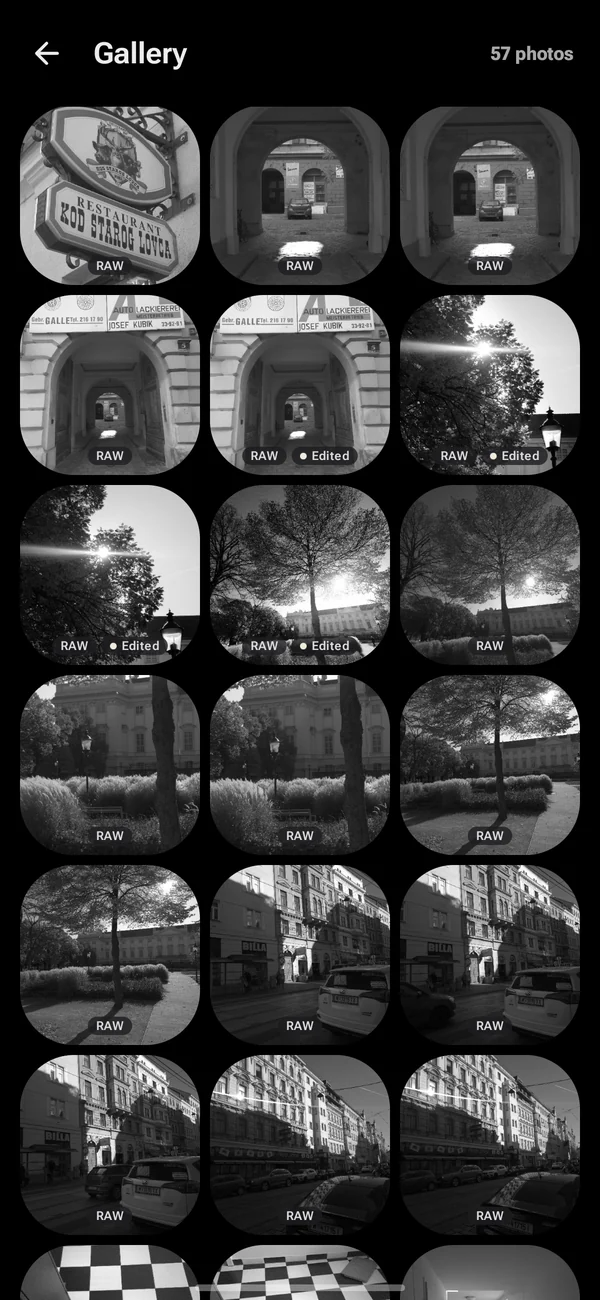
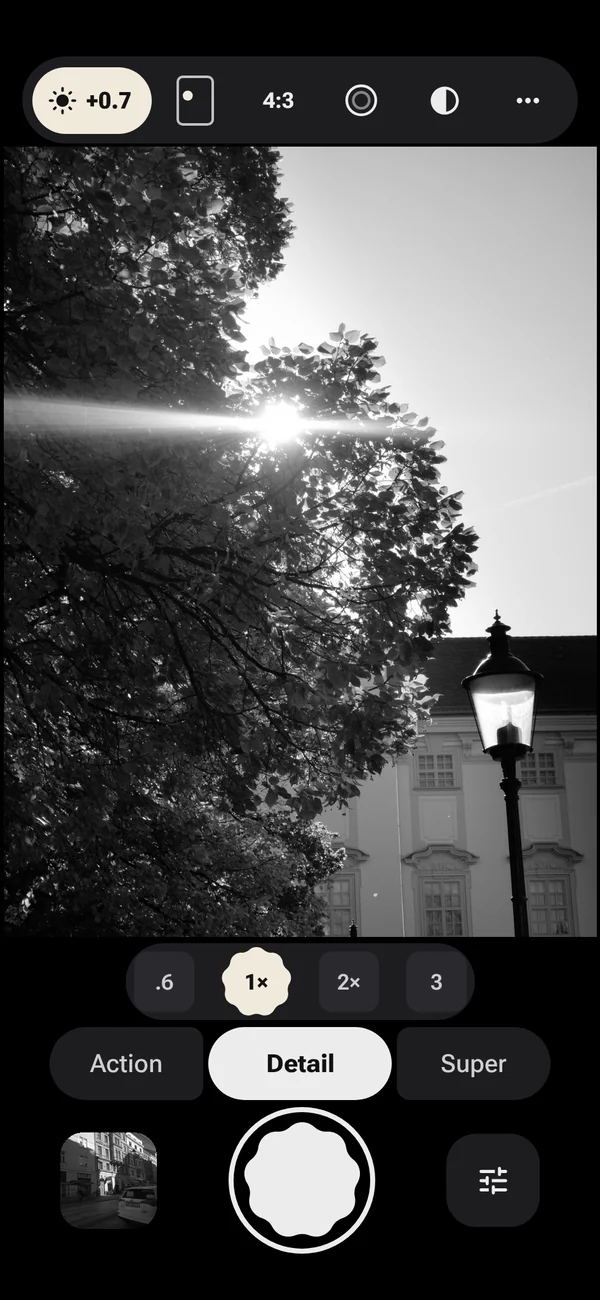
Every shot is saved as a 16-bit monochrome DNG for Lightroom, Capture One or any raw editor, plus a JPEG ready to share.
Tonal transitions
Black and white lives in the transitions: a sky falling off from bright to dark, light rolling around a face, a wall going into shade. LatentRAW keeps those as long, even runs of grey.
Darkroom in your pocket
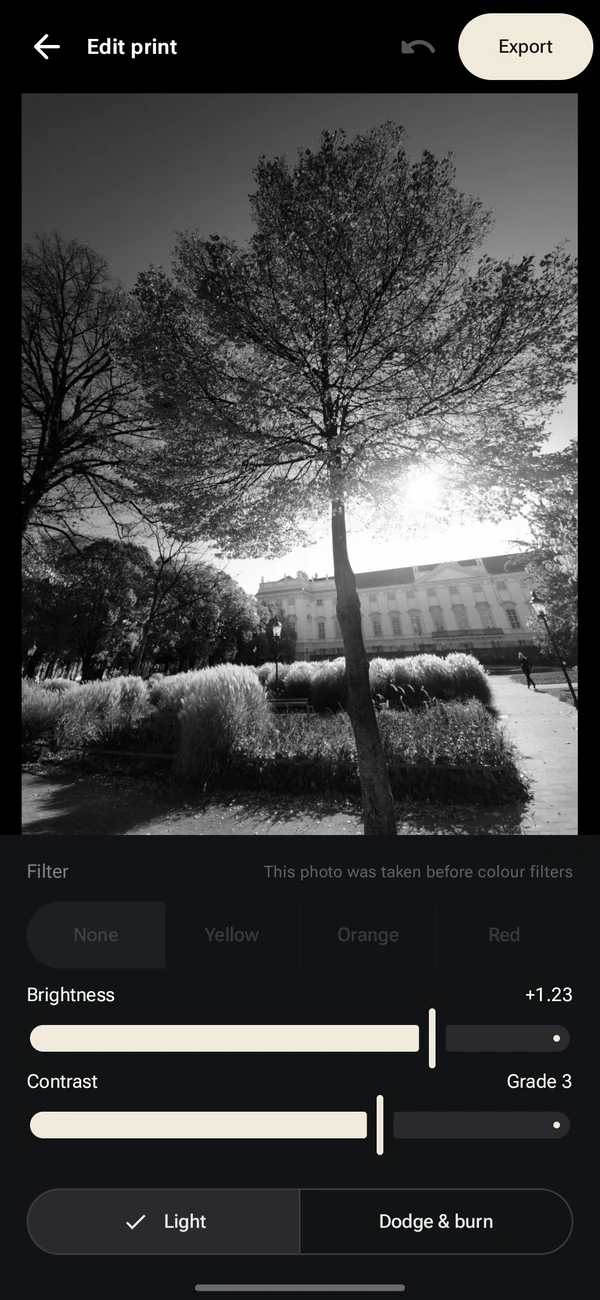
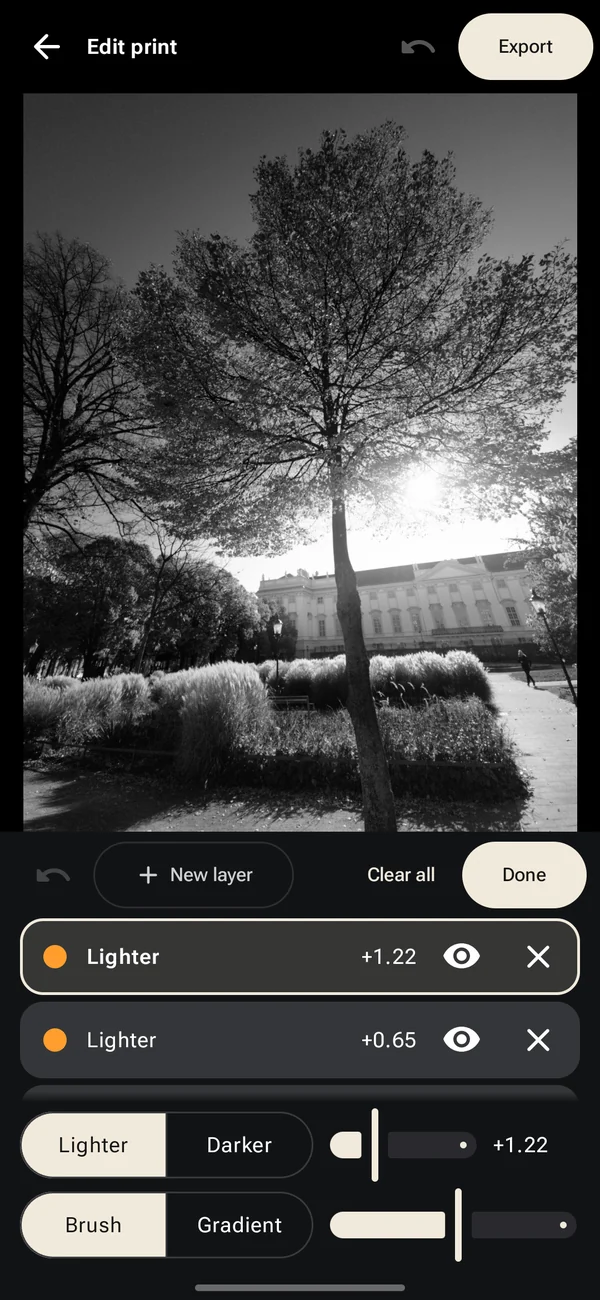
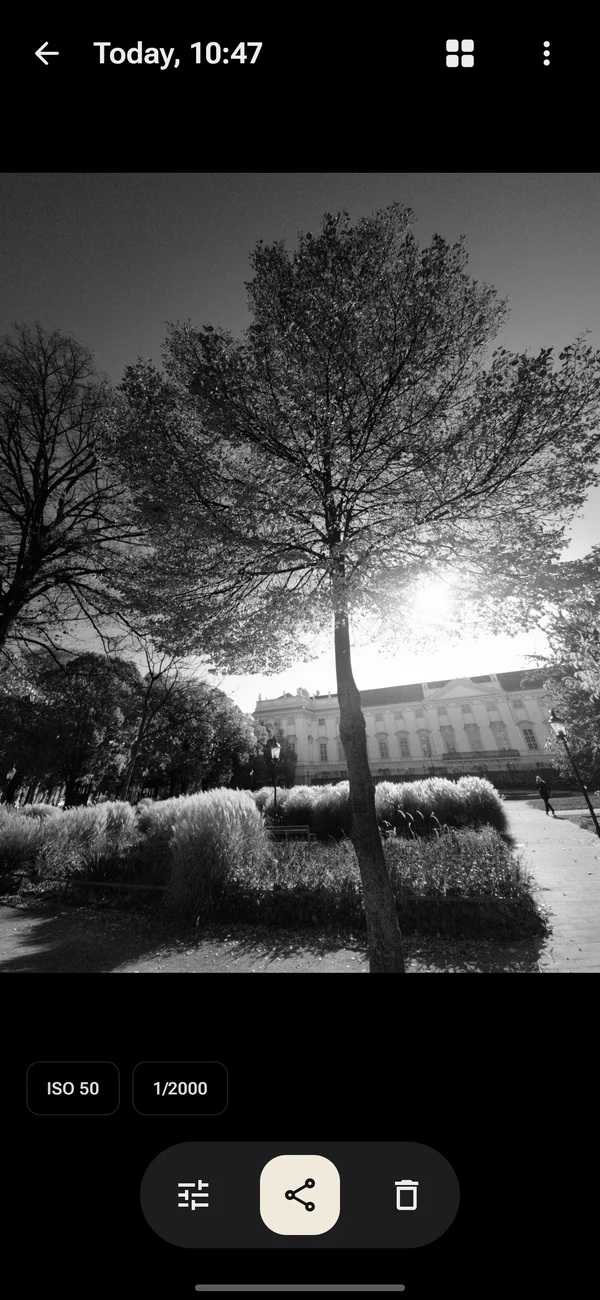
The same tree, as captured and as printed on the phone.
Comparisons
Each pair was shot from the same spot a few seconds apart on a Galaxy S23. The Samsung photo is the phone's normal colour picture turned to black and white, with black, mid-grey and white matched to the LatentRAW file so exposure doesn't decide the result. The two frames are then aligned so the slider lines up. Labels are burned into every image.
More comparisons are on the way, including night scenes and a mirrorless camera next to the phone.
What it isn't
It isn't a monochrome sensor. Some cameras have no colour filters at all and collect more light per pixel. LatentRAW still uses your phone's colour sensor; it just stops pretending to see colour.
Files come out soft on purpose. The raw file isn't sharpened. That keeps edges natural, but straight out of the camera it can look less crisp than the phone's own photos until you print it.
It's one grey channel. The raw file has no separate colours, so you can't remix red, green and blue later the way you can with a colour raw. The colour filters in the print cover the usual black-and-white needs.
Fast motion is noisier. Anything that moved during the burst comes from a single frame.